A YouTube thumbnail is a small image that represents a video on YouTube. It acts as the preview image that viewers see before clicking on the video. A compelling thumbnail can significantly impact a video’s views, as it’s often the first impression viewers get of the video content.
Sizes and Resolutions:
- YouTube provides several thumbnail sizes for each video, including:
- Default:
120x90pixels. - Medium Quality (MQ):
320x180pixels. - High Quality (HQ):
480x360pixels. - Standard Definition (SD):
640x480pixels. - Maximum Resolution:
1280x720pixels (HD).
- Default:
URL Formats:
- The thumbnail URLs follow a standard pattern:
-
- Example:
https://img.youtube.com/vi/{VIDEO_ID}/{thumbnail_type}.jpg {VIDEO_ID}is the unique identifier for a YouTube video.{thumbnail_type}can be:default.jpgmqdefault.jpghqdefault.jpgsddefault.jpgmaxresdefault.jpg
- Example:
Instructions:
- Save the
index.htmlandfetch_thumbnail.phpfiles in the same directory on your web server. - Open the
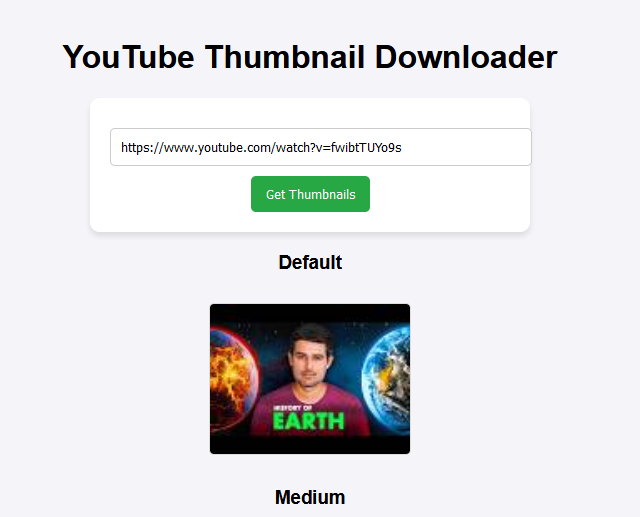
index.htmlfile in a browser. - Enter a YouTube URL, click “Get Thumbnails,” and view/download the thumbnails.
-